Relevant Systems
Connect Google Business and input required business information for SMS compliance. Visit app.relevantsystems.io to login
Jul 05, 2024●
1
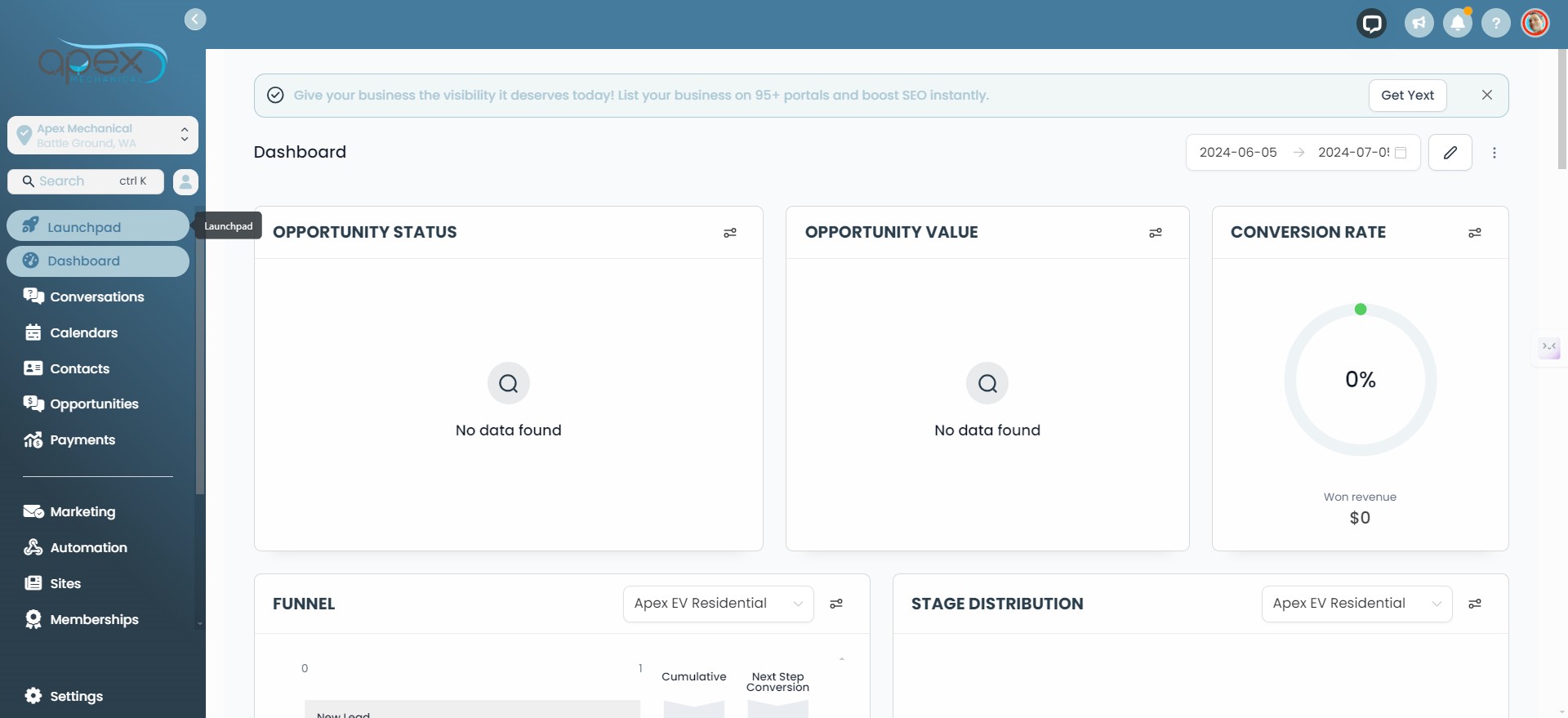
Click on "Launchpad"
2
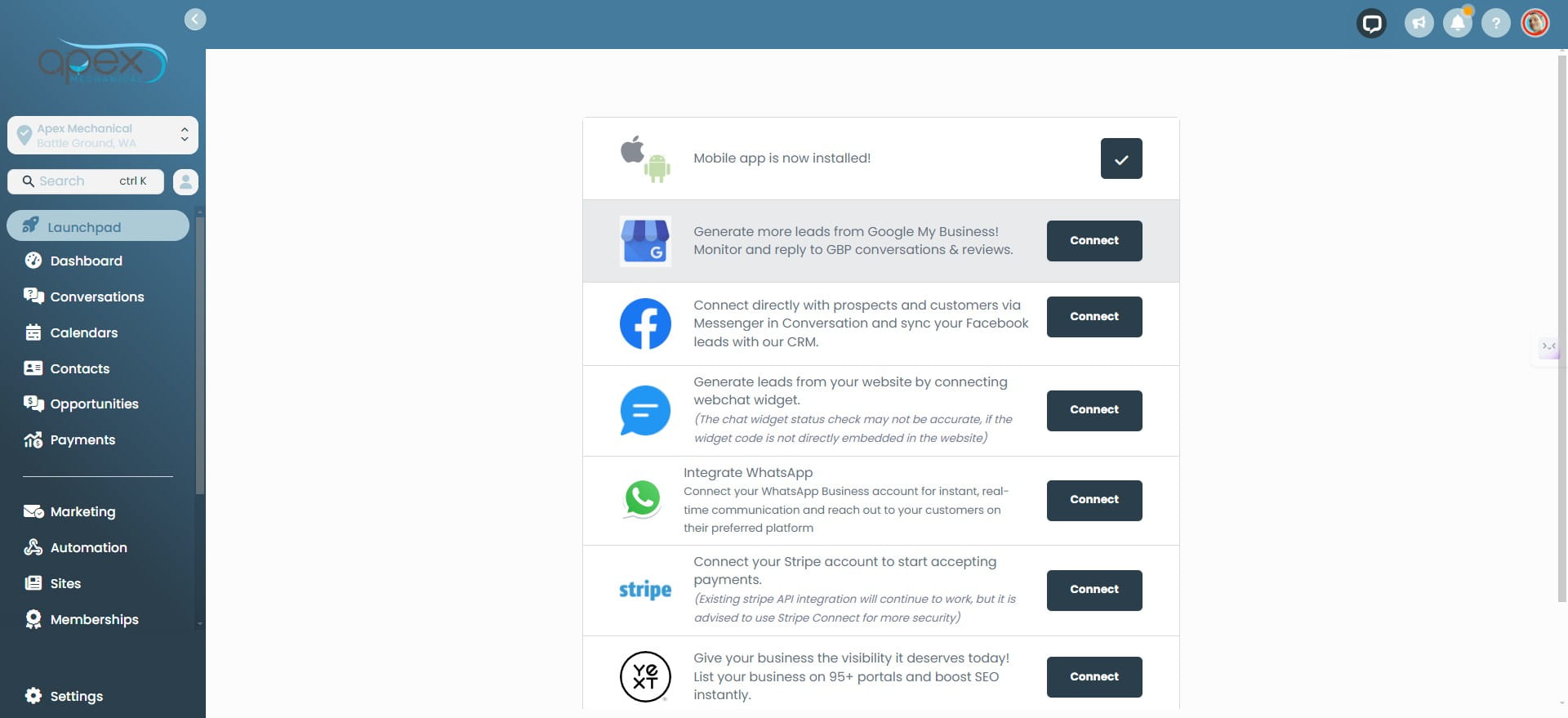
Click on "Connect" to connect Google Business
3
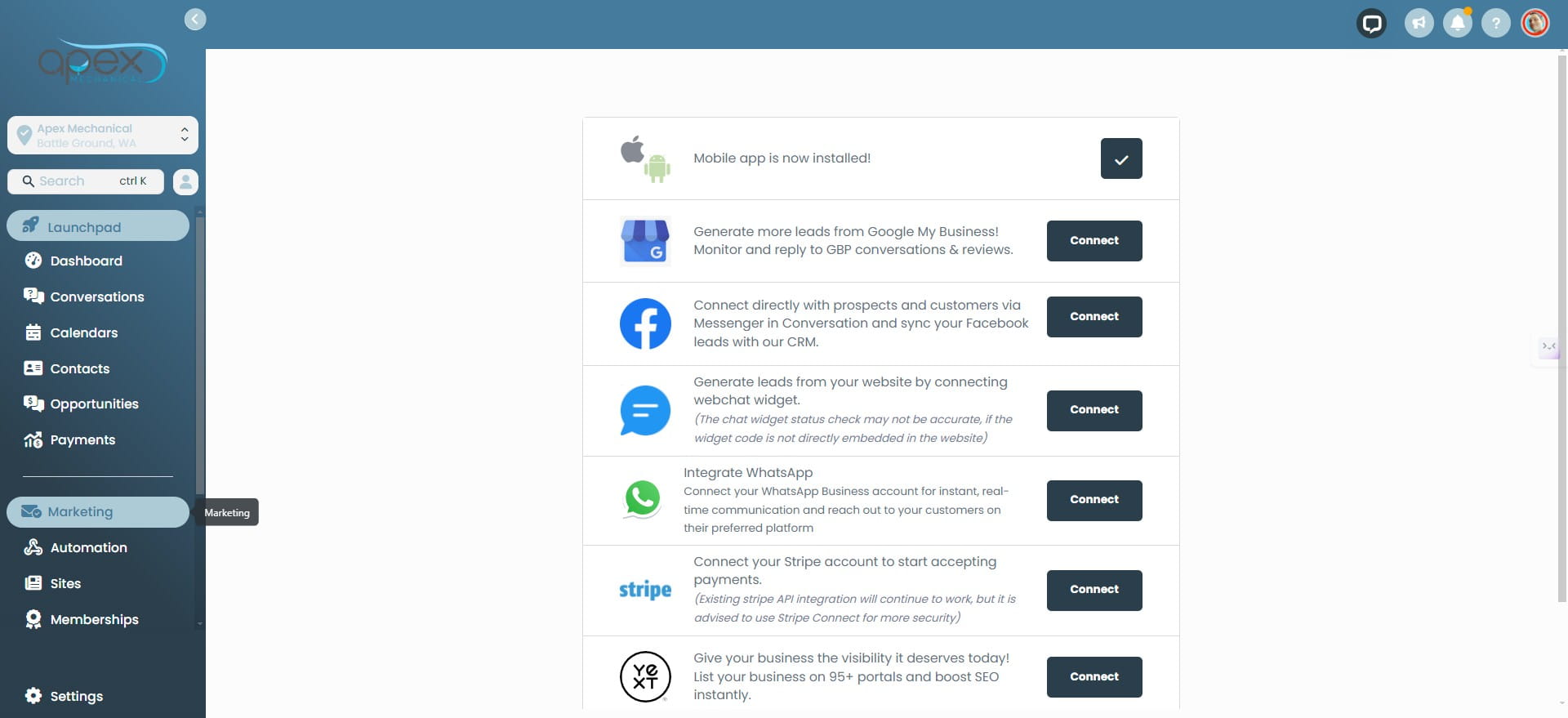
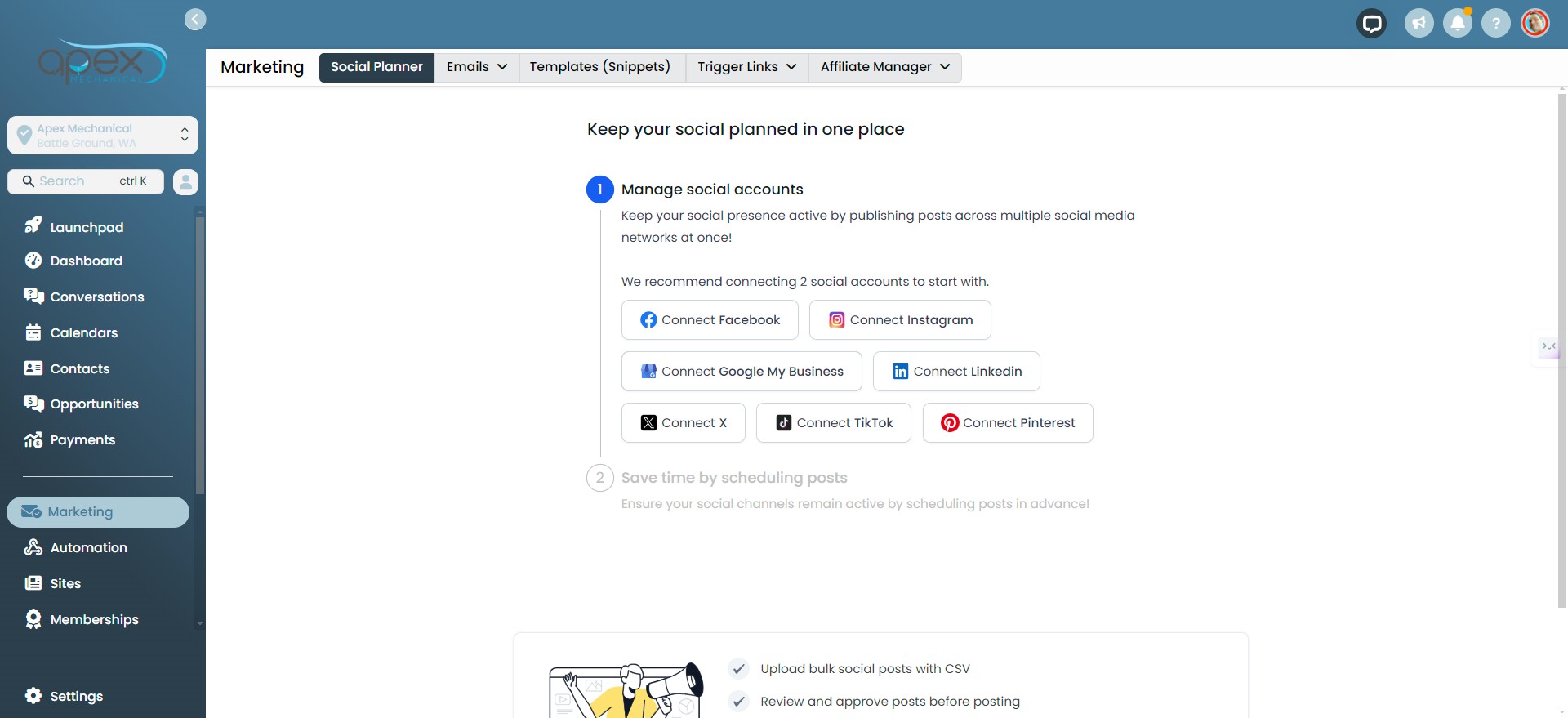
Click on "Marketing"
4
Verify Google My Business is connected. If it's not, click on "Connect Google My Business.
5
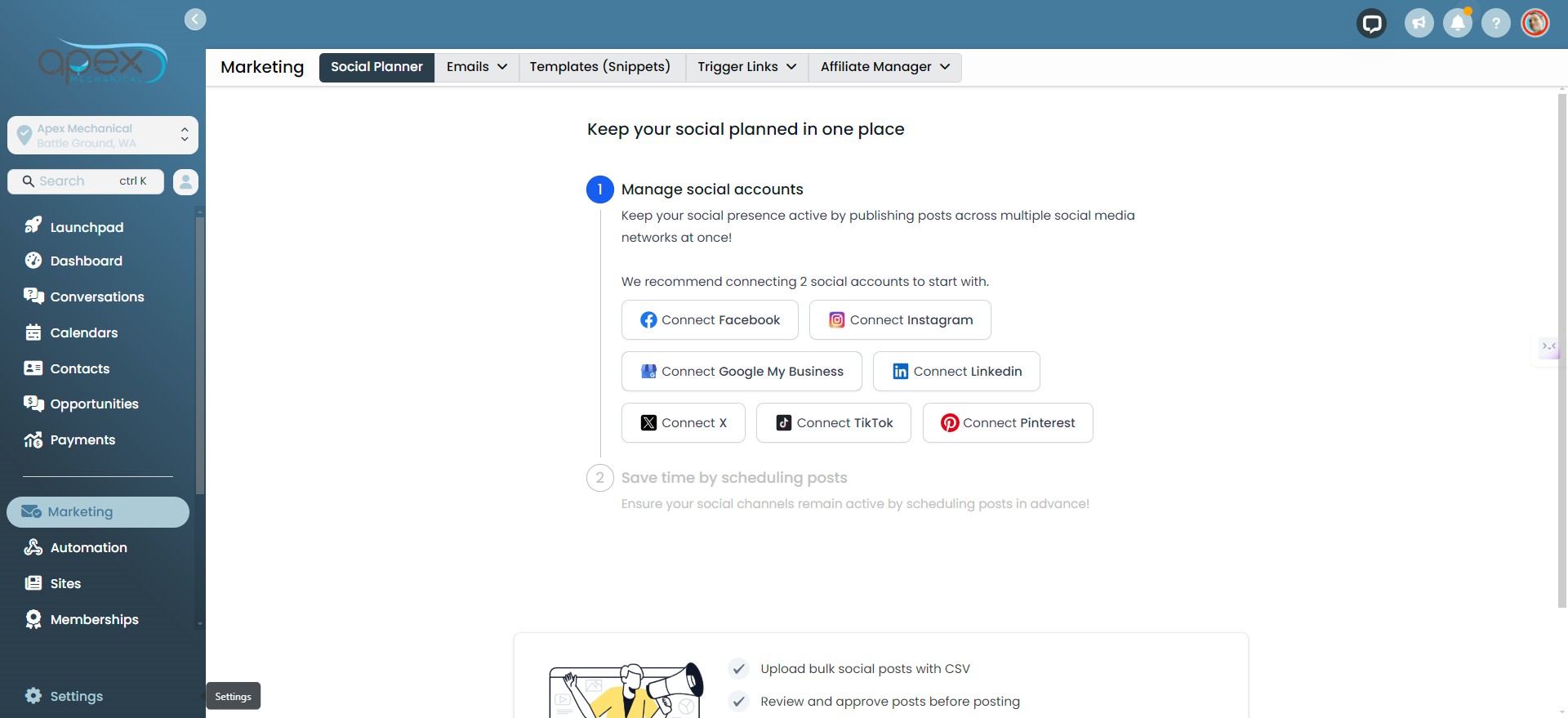
Click on "Settings"
6
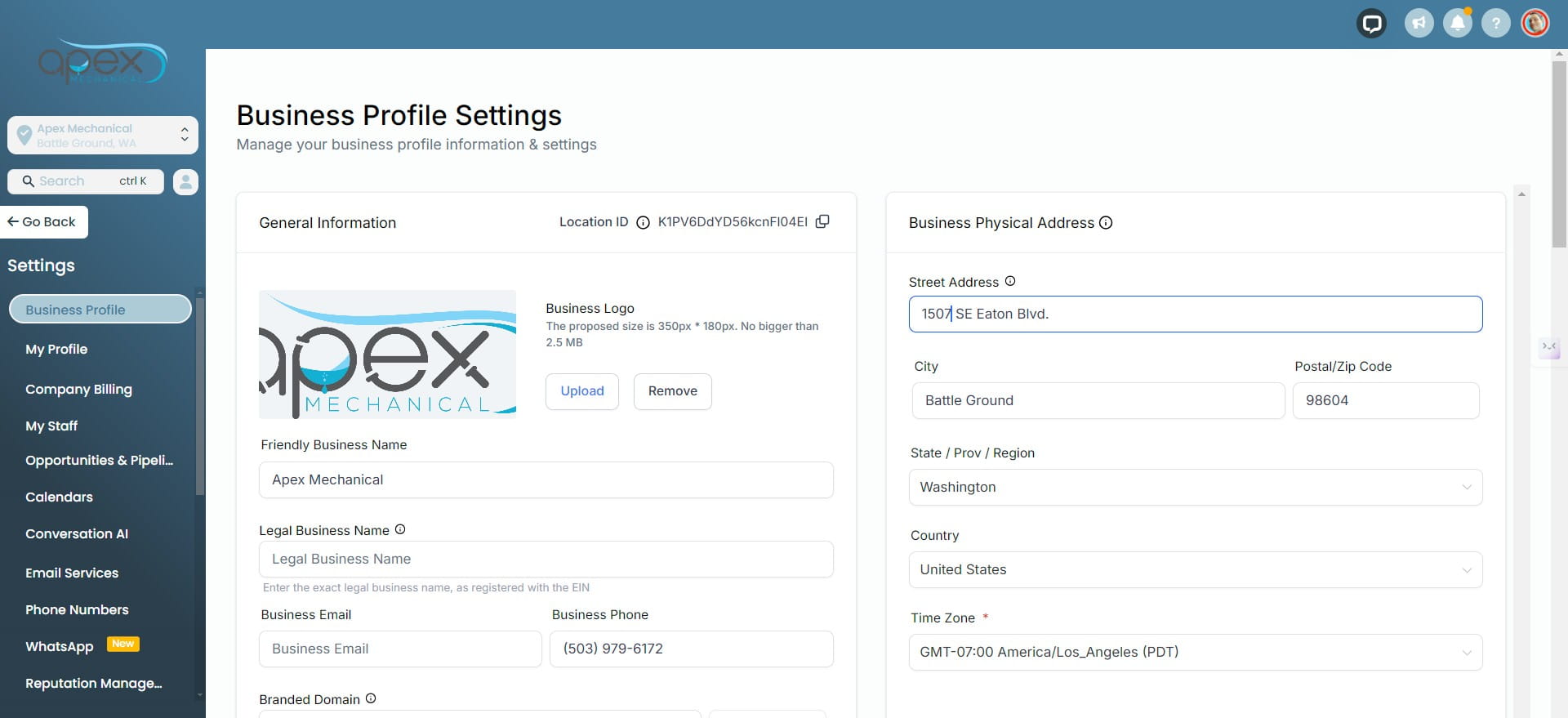
Please ensure that the Legal Business Name, address, and EIN number match precisely as they appear on your business's EIN form. This information will be required to make your brand A2P compliant for utilizing SMS automation.